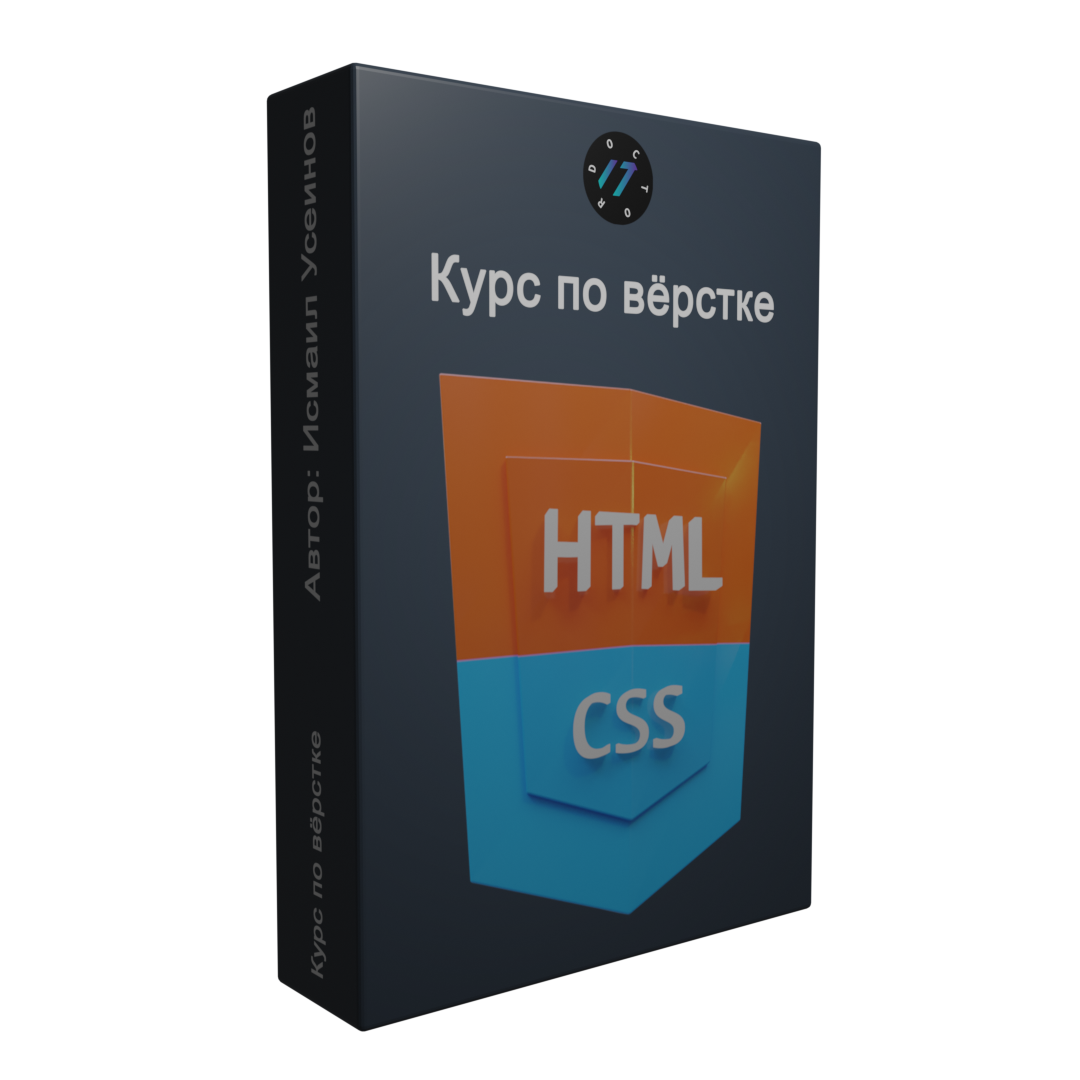
Заголовок на первой странице - название страницы

Заказать

О нас

Lorem impsum
Уроки по Bootstrap
Подписка и ваш комментарий
С Вами все получается
Спасибо за информацию
На данный момент строка
Больше про grid
Иконки и сетка Bootstrap
Адаптивные элементы с помощью сетки Bootstrap 5

Для кого эта страница?

Lorem ipsum dolor sit amet.

План обучения

Модуль 1
(HTML)

This is the first item's accordion body. It is shown by default, until the collapse plugin adds the appropriate classes that we use to style each element. These classes control the overall appearance, as well as the showing and hiding via CSS transitions. You can modify any of this with custom CSS or overriding our default variables. It's also worth noting that just about any HTML can go within the .accordion-body, though the transition does limit overflow.

This is the second item's accordion body. It is hidden by default, until the collapse plugin adds the appropriate classes that we use to style each element. These classes control the overall appearance, as well as the showing and hiding via CSS transitions. You can modify any of this with custom CSS or overriding our default variables. It's also worth noting that just about any HTML can go within the .accordion-body, though the transition does limit overflow.

This is the third item's accordion body. It is hidden by default, until the collapse plugin adds the appropriate classes that we use to style each element. These classes control the overall appearance, as well as the showing and hiding via CSS transitions. You can modify any of this with custom CSS or overriding our default variables. It's also worth noting that just about any HTML can go within the .accordion-body, though the transition does limit overflow.

Модуль 2
(CSS)

This is the first item's accordion body. It is shown by default, until the collapse plugin adds the appropriate classes that we use to style each element. These classes control the overall appearance, as well as the showing and hiding via CSS transitions. You can modify any of this with custom CSS or overriding our default variables. It's also worth noting that just about any HTML can go within the .accordion-body, though the transition does limit overflow.

This is the second item's accordion body. It is hidden by default, until the collapse plugin adds the appropriate classes that we use to style each element. These classes control the overall appearance, as well as the showing and hiding via CSS transitions. You can modify any of this with custom CSS or overriding our default variables. It's also worth noting that just about any HTML can go within the .accordion-body, though the transition does limit overflow.

This is the third item's accordion body. It is hidden by default, until the collapse plugin adds the appropriate classes that we use to style each element. These classes control the overall appearance, as well as the showing and hiding via CSS transitions. You can modify any of this with custom CSS or overriding our default variables. It's also worth noting that just about any HTML can go within the .accordion-body, though the transition does limit overflow.

Модуль 3
(JS)

This is the first item's accordion body. It is shown by default, until the collapse plugin adds the appropriate classes that we use to style each element. These classes control the overall appearance, as well as the showing and hiding via CSS transitions. You can modify any of this with custom CSS or overriding our default variables. It's also worth noting that just about any HTML can go within the .accordion-body, though the transition does limit overflow.

This is the second item's accordion body. It is hidden by default, until the collapse plugin adds the appropriate classes that we use to style each element. These classes control the overall appearance, as well as the showing and hiding via CSS transitions. You can modify any of this with custom CSS or overriding our default variables. It's also worth noting that just about any HTML can go within the .accordion-body, though the transition does limit overflow.

Текст с адаптивной картинкой

Build fast, responsive sites with Bootstrap.
Powerful, extensible, and feature-packed frontend toolkit.
Build and customize with Sass, utilize prebuilt grid system and components.
Bring projects to life with powerful JavaScript plugins.
Install Bootstrap’s source Sass and JavaScript files via npm, RubyGems, Composer, or Meteor. Package managed installs don’t include documentation or our full build scripts. You can also use any demo from our Examples repo to quickly jumpstart Bootstrap projects.
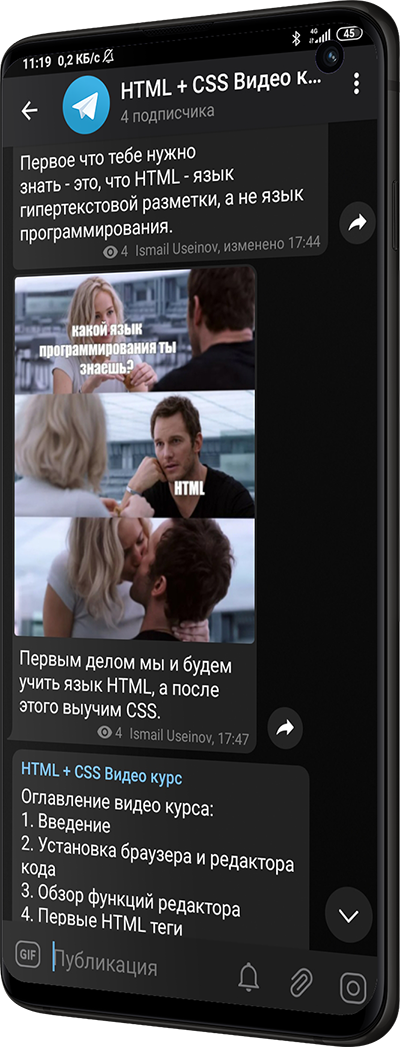
mockup

Об авторе

Имя Фамилия

Customize everything with Sass.

Bootstrap utilizes Sass for a modular and customizable architecture. Import only the components you need, enable global options like gradients and shadows, and write your own CSS with our variables, maps, functions, and mixins.

Build and extend in real-time with CSS variables

Bootstrap 5 is evolving with each release to better utilize CSS variables for global theme styles, individual components, and even utilities. We provide dozens of variables for colors, font styles, and more at a :root level for use anywhere. On components and utilities, CSS variables are scoped to the relevant class and can easily be modified.

Author

Отзывы

Имя Фамилия

Bootstrap 5 is evolving with each release to better utilize CSS variables for global theme styles, individual components, and even utilities. We provide dozens of variables for colors, font styles, and more at a :root level for use anywhere. On components and utilities, CSS variables are scoped to the relevant class and can easily be modified.

Форма оплаты

preview
На этот email будет отправлен чек об оплате.

New in Bootstrap 5, our utilities are now generated by our Utility API. We built it as a feature-packed Sass map that can be quickly and easily customized. It's never been easier to add, remove, or modify any utility classes. Make utilities responsive, add pseudo-class variants, and give them custom names.